A check-in kiosk for the tablet by your door
Put a tablet by the door. The adult dropping off taps the child's name, signs on the screen, and the child shows as here on your phone. When the Wi-Fi drops, the kiosk keeps going and catches up later.
On every plan.

How it works
Tap your name
The kiosk shows your children in big tiles, with a photo if you've added one, and whether each is here or out. The adult at the door taps the child, and the kiosk offers whichever comes next: check in or check out. The tiles are large enough to tap with one hand while holding a toddler.
Sign on the screen
The adult taps their name on the child's list of parents, or types their full name, then signs on the screen. Signing is the default; an owner or admin can turn signatures off in Settings → Kiosk. Every check-in and check-out is saved with its time, who signed, and the signature when there is one.
Keep going when the Wi-Fi drops
Without a connection the kiosk keeps taking check-ins. Each one waits on the tablet, the screen shows Offline and how many are waiting, and they send when the connection comes back. Each one is sent once, so nothing is counted twice.
Pair a tablet with a QR code
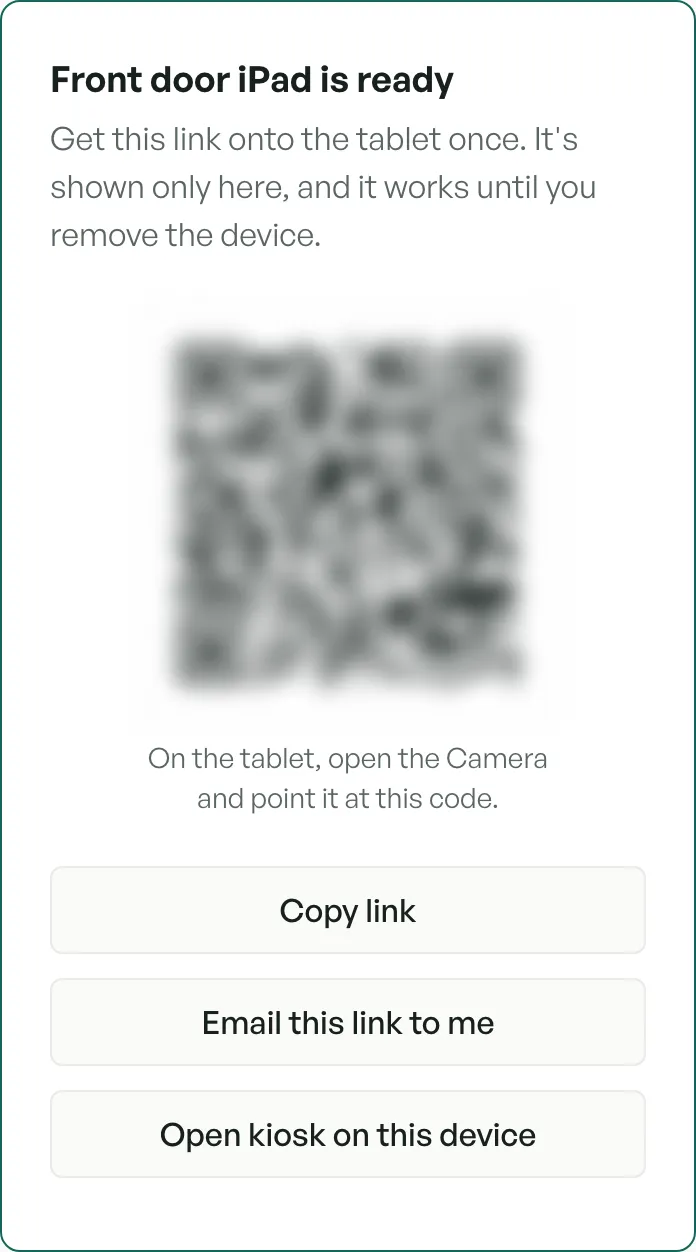
In Settings → Kiosk, name the device and create its link. Scan the QR code with the tablet's camera, copy the link, or email it to yourself and open it on the tablet. The link works until you remove the device, and the kiosk can sit on the tablet's Home Screen like an app.
See who is here
Each check-in shows on Attendance, so you and your teachers see who is in each room from your phones, and the day's sign-in sheet lists who signed each one. Owners and admins print any month as one PDF. If the tablet ever can't check children in, it says so and offers a paper check-in sheet to print, and staff can check children in from Attendance instead.

Ask your licensing office before you stop paper
The kiosk keeps a sign-in record: who signed each check-in and check-out, the time, and by default their signature, and a month prints as one PDF. Whether it can replace your paper sign-in sheet is your licensing office's call, so ask them first.
Parents don't get a message when their child is checked in or out yet. The kiosk is for staff and authorized adults. Children must not check themselves in or out.
Try it yourself
In the sandbox, open Settings → Kiosk, create a device link, and open the kiosk on the device you're using.
Questions
- Does the kiosk replace our sign-in sheet?
- Only if your licensing office accepts it. CubbyFront's kiosk records who signed each check-in and check-out, the time and their signature, and prints the month as one PDF for an inspector. Ask your licensing office before you stop the paper sheet.
- What happens when the Wi-Fi goes down?
- The kiosk keeps taking check-ins. They wait on the tablet and send when it reconnects, each one once.
- What tablet do I need?
- An iPad or an Android tablet with an up-to-date browser. Nothing comes from an app store: the kiosk is a web page you can add to the Home Screen.
- Can I turn signatures off?
- Yes. Owners and admins can switch them off in Settings → Kiosk. They stay on until someone does.
- Can children check themselves in?
- The kiosk is for staff and authorized adults. Children must not check themselves in or out.